AI TOOL / #09926
MacGaiver
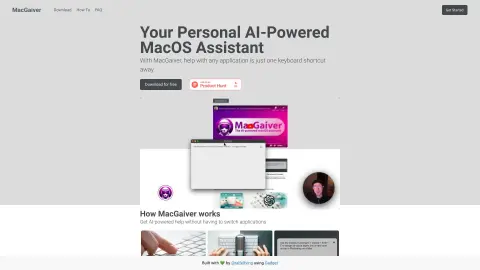
An AI-powered macOS assistant that uses computer vision to answer questions regarding any application.
Introduction
AI-powered macOS assistant that answers questions about any application using computer vision.
What is MacGaiver?
MacGaiver is an AI-powered macOS assistant that utilizes computer vision to answer questions regarding any application. By pressing a keyboard shortcut and posing your question, you can get assistance without leaving the current window. MacGaiver uses the OpenAI Vision API to provide answers in the context of your query.
How to use MacGaiver?
In any application, you can activate MacGaiver using keyboard shortcuts to submit your question—either in audio or text form. MacGaiver will then respond using answers derived from the context, relying on OpenAI GPT-V for its functionality.
The core features of MacGaiver
Provide AI-powered assistance within any macOS application.
Utilize computer vision to provide context-based answers.
Activate keyboard shortcuts
Integration with the OpenAI Vision API
Utilize computer vision to provide context-based answers.
Activate keyboard shortcuts
Integration with the OpenAI Vision API
Related
New Reflection Beam
Reflection open source 501 billion parameter model
The new Vidverse AI
Video, image, and audio aggregation platform
New Inkspo
Free AI Tattoo Pattern Generator
New Popcraft
An AI platform that integrates multiple models for creating videos, images, and audio content
Slidely AI
The AI Slide Assistant in PowerPoint
iFlytek Translator
iFLYTEK's multi-scenario AI translation platform