AI TOOL / #09141
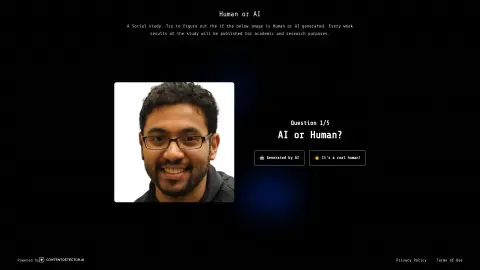
Human or AI?
AI humanizer tool that makes AI text sound natural and bypass AI detectors.
Introduction
AI Humanizer tool to make AI text sound natural and bypass AI detectors.
What is Humanize AI?
Humanize AI is a free AI humanization tool designed to convert AI-generated text into natural, fluent writing that leaves no detectable trace, helping it bypass AI detectors. It refines AI-generated content into engaging text that sounds more human.
How do you use Humanize AI?
1. Paste your AI-generated text into the input box.
2. Click the “Humanize” button.
3. Compare the original text with the humanized text.
4. Copy and use your humanized text.
2. Click the “Humanize” button.
3. Compare the original text with the humanized text.
4. Copy and use your humanized text.
Core features of Humanize AI
AI humanization tool
AI detector
grammar checker
AI Writing Assistant
Plagiarism checker
Paraphrasing tool
Citation Generator
AI-powered academic search
AI Summary
Interact with PDFs
AI detector
grammar checker
AI Writing Assistant
Plagiarism checker
Paraphrasing tool
Citation Generator
AI-powered academic search
AI Summary
Interact with PDFs
Related
Youtube Video Summary
Use OpenAI to automatically generate summaries for lengthy transcription texts, and it supports multiple languages.
Point Is: AI Summary & Search
AI-based tools designed for summarizing and searching various types of files.
Vulse
A B2B employee communication platform and a LinkedIn content management system, both equipped with AI-powered tools.
AI Summary Pro: Instant Text & Page Insights
Chrome extension that provides AI functionality for web and PDF summarization in multiple languages.
FTech Summarizer
A Chrome extension for summarizing online content using OpenAI technology.
Glance
A Chrome extension designed for AI-powered web content summarization.