AI TOOL / #07230
hahaOCR
Extract text from the image; press the ESC key to exit.
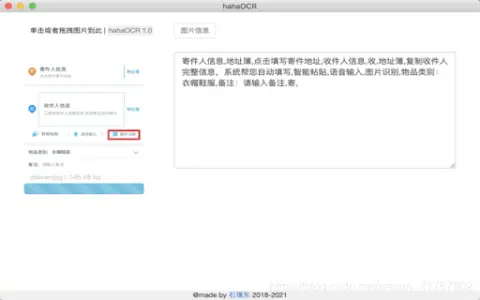
Introduction
Extract text from images and exit with ESC.
What are the Image to Text and ESC Exit App AI Chrome extensions/plugs?
This application allows users to extract text from images and convert it into editable text. Users can upload images by clicking a button and exit the application by pressing the “ESC” key.
How to use the Image to Text & ESC Exit App AI Chrome extension/plug-in?
Click the upload button to select an image. The application will automatically extract the text from the image and display it. Press the “ESC” key to exit the application.
The core functionality of the Image to Text and ESC Exit App AI Chrome extension/plugin.
Image to Text conversion
Use the ESC key to exit the function.
Use the ESC key to exit the function.
Related
InstantGPT – ChatGPT Powered Assistant
Chrome extensions are used for instant article summaries and to leverage the AI capabilities of ChatGPT.
RssPal
An AI-driven RSS subscription generator that provides personalized news and updates.
Paper Digest
An AI-driven research platform designed to keep up with technological trends and generate content.
GetDigest Add-On
A browser extension designed for quick content analysis and summarization, which utilizes artificial intelligence technology.
Barbara: Local AI Assistant for Translation and Summaries
A Chrome extension designed for bilingual translation, summarization, and interactive conversations.
Summarizely
An AI-based Chrome extension designed to summarize the content of web pages.