AI TOOL / #07082
SeeHear – Text Capture
An iPhone app that instantly converts text displayed on the camera into speech.
Introduction
iPhone app that converts camera text to speech instantly.
What is SeeHear – Text Capture?
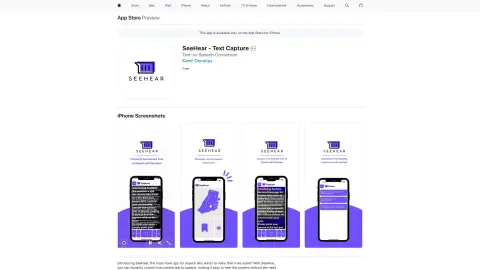
SeeHear is an iPhone application that can instantly convert text displayed on the live camera into spoken words. Users can point the camera at the text, and the app will automatically recognize it and read it out aloud. Additionally, users can take photos of the text and save them for future reference. This tool is designed to assist people with visual or reading impairments, as well as those who simply want to save time by having texts read aloud for them.
How to use SeeHear – Text Capture?
Simply point your iPhone’s camera at the text you would like to have read aloud. SeeHear will automatically recognize the text and read it out for you. You can also take a photo of the text for future use.
The core functionality of SeeHear – Text Capture
Real-time text-to-speech conversion using a webcam
Save the captured text to the iPhone’s photo album.
The text size and font type can be customized.
Save and share the captured text.
Save the captured text to the iPhone’s photo album.
The text size and font type can be customized.
Save and share the captured text.
Related
SafePlates
SafePlates is a personalized recipe generator tailored to dietary needs and preferences.
Rejoy
An integrated family organizer that offers shared calendars, tasks, notes, and an artificial intelligence assistant.
SmartChef
Personalized recipe generation using artificial intelligence, based on images and text.
I have Salt
An AI-based recipe creation platform that offers personalized dishes and opportunities for culinary exploration.
mycoachai.com
An integrated platform that enables coaches to manage clients, automate tasks, and provide results.
flavory
Mobile app – convenient for searching recipes and featuring an AI-based cooking assistant.