AI TOOL / #05988
NaviVoice: Voice Input Productivity Assistant
Voice-activated assistant that enables hands-free computer control and web browsing.
Introduction
Voice-operated assistant for hands-free computer control and internet browsing.
What is the NaviVoice AI Chrome extension/plugin?
NaviVoice is a voice-controlled productivity assistant that allows users to control their computers and browse the internet using only their voice. It eliminates the need for typing and clicking, making it ideal for users with hand injuries or those who prefer a hands-free experience.
How do I use the NaviVoice AI Chrome extension/plugin?
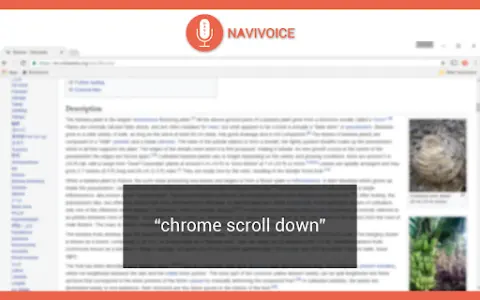
Install NaviVoice and use your microphone to give voice commands. Say "chrome help" to view available commands.
Core Features of the NaviVoice AI Chrome Extension/Plugin
Voice-Controlled Web Browsing
Click the link using a voice command
Navigate to the website using voice commands
Enter text into a form using voice commands
Control YouTube Videos with Voice Commands
Click the link using a voice command
Navigate to the website using voice commands
Enter text into a form using voice commands
Control YouTube Videos with Voice Commands
Related
RetroArch
An open-source, multi-platform front-end that integrates a large number of Libretro core components. This single software is capable of simulating dozens of different consoles and handheld devices, including FC, SFC, MD, GBA, PS1, N64, and more.
Lightning simulator
An emulator designed for running Android mobile games and applications on PCs. It is renowned for its high performance and stability, and supports multi-window operation as well as control via keyboard and mouse.
Offstage Cloud
Cloud-based macOS sandbox for AI agents
Douban Reading
Original Literature and Digital Publishing Platform
Project Gutenberg
A globally renowned library of free e-books
OpenStax
Free Open University Textbook Platform