AI TOOL / #05809
DigiFace
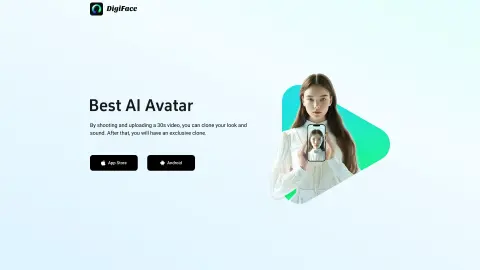
DigiFace uses 30-second videos and text to generate AI-generated avatar videos.
Introduction
DigiFace creates AI avatar videos from a 30s video and text.
What is DigiFace?
DigiFace allows you to seamlessly transform your appearance and voice into an engaging AI avatar video by simply recording and uploading a 30-second video. By entering text, you can instantly generate an AI avatar video with synchronized speech, saving time and improving productivity. With just one 30-second video recording, you can create a clone of yourself in terms of both appearance and voice – and thus obtain a unique digital version of yourself.
How to use DigiFace?
Record and upload a 30-second video to clone your appearance and voice. Then, enter the text you would like to have appear on your avatar, and DigiFace will generate an AI avatar video with that voice.
The core functions of DigiFace
Generation of AI avatars and videos
sound cloning
Physical appearance cloning
Text-to-speech avatar videos
sound cloning
Physical appearance cloning
Text-to-speech avatar videos
Related
AskMyDocs.ai
AI assistant for instant answe...
MyBot.chat
An AI chatbot building tool that does not require any coding, based on ChatGPT/Llama 3.
XpressBot by Sky Free
An all-in-one chatbot and customer relationship management platform for multiple messaging channels.
Rochat-AI Chatbot
Rochat is a multi-purpose AI chatbot designed for text and image generation in various fields.
ChatGPT Buddy
The WhatsApp artificial intelligence chatbot, powered by ChatGPT, provides users with instant assistance and automated services.
InsightBaseAI
An AI-powered business intelligence platform designed for data analysis and insight generation.