AI TOOL / #05490
TaxGPT: Your AI Tax Assistant
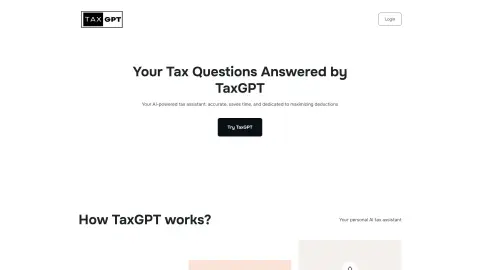
An AI tax assistant designed for accountants and tax professionals to boost productivity and streamline operations.
Introduction
AI tax assistant for accountants and tax professionals, boosting productivity and streamlining operations.
What is TaxGPT?
TaxGPT is an AI tax assistant designed specifically for accountants and tax professionals. It aims to increase productivity tenfold through its AI assistant, providing secure and accurate solutions to save time and streamline operations. TaxGPT offers features such as AI-powered tax return review, client management tools, and the ability to integrate cutting-edge AI tools into existing workflows. In addition, it provides resources such as a blog, expert tax guidance, and an AI-driven Q&A database.
How do I use TaxGPT?
Users can access the platform by logging into TaxGPT and selecting a role (tax professional, business, or individual). Depending on the selected role, users will be guided through a series of questions regarding their location, company size (for businesses), and how they found the platform. Based on their responses, TaxGPT offers options such as scheduling a Google Meet for a product demo or requesting a callback. Users can provide a work email address to proceed with one of these options.
Key Features of TaxGPT
AI Tax Assistant for Research, Writing, and Document Analysis
Andrew Agent: AI-Driven Auditing and Review Tools
Customer Management Tools
AI-Powered Chatbot Integration
Tax Research and Memorandum Drafting
Document Analysis
Andrew Agent: AI-Driven Auditing and Review Tools
Customer Management Tools
AI-Powered Chatbot Integration
Tax Research and Memorandum Drafting
Document Analysis
Related
New AgentGrid.io
A cloud drive shared by humans and agents
New Playad
An AI marketing team that automatically generates ads
NewVoiceLearn
AI voice training to learn foreign languages
The new KugelAudio
Voice synthesis and recognition in mainland Europe
The new 10ML Perfume Finder
Free perfume database MCP service
New Point and Yap
Just point at the screen and speak, and the AI will automatically adjust the interface accordingly.