AI TOOL / #04162
Apex Vision AI – Homework & Quiz Answering AI
The artificial intelligence homework assistant provides instant and accurate answers, as well as learning suggestions.
Introduction
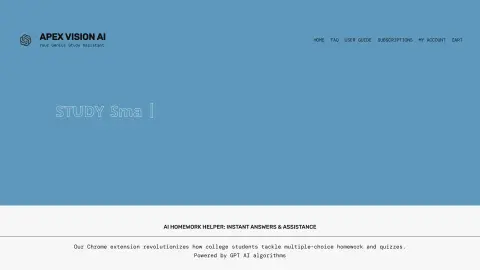
AI homework helper providing instant, accurate answers and study tips.
What is Apex Vision AI?
Apex Vision AI is a Chrome extension designed to provide instant and accurate answers for assignments, quizzes, and exams. By leveraging a vast database of academic articles and advanced artificial intelligence models, it offers solutions for multiple-choice questions, short-answer questions, and essays. This extension seamlessly integrates with learning management systems such as Canvas, Blackboard, and Moodle, offering features like pop-up AI-generated answers, quick guidance buttons on the screen, a multifunctional sidebar, and a convenient toolbar for obtaining answers without the need to switch tabs. It also includes an AI-based image solver for visual problems, making it ideal for dealing with visual-based challenges.
How to use Apex Vision AI?
Install the Apex Vision AI extension or use its website to submit questions related to your assignments or obtain answers generated by AI in just a few seconds. You will also receive personalized learning recommendations.
The core functions of Apex Vision AI
Answers to AI assignments
AI Assignment Assistant Chrome Extension
Integration with Learning Management Systems
Visual Issues: AI-Based Image Solvers
Customized study guide
AI Assignment Assistant Chrome Extension
Integration with Learning Management Systems
Visual Issues: AI-Based Image Solvers
Customized study guide
Related
Chatway
Website Live Chat and AI Customer Service Chatbot
SaidTrace
A Mac application that allows for local transcription of recordings and enables taking notes using a custom AI system.
SuperLocalMemory
Locally prioritized AI agents share their memories.
PostNitro
AI-generated and scheduled social media carousels
Jev
An AI model that enables structured decision-making for software development
Dropstone CLI
Remember to use the corrected terminal programming agent.