AI TOOL / #02536
GPToDo
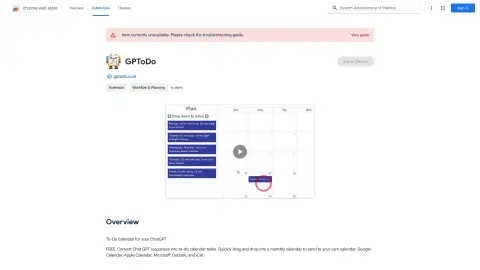
Convert the responses from Chat GPT into calendar tasks that support drag-and-drop functionality.
Introduction
Converts Chat GPT responses into calendar tasks with drag-and-drop functionality.
What is the Convert Chat GPT to-Do Calendar Tasks AI Chrome extension/plug-in?
This tool enables users to convert Chat GPT’s responses into tasks for their to-do lists and calendars. It offers a user-friendly drag-and-drop interface that allows users to add these tasks directly to their monthly calendars. Once created, these calendar entries can be shared with various calendar applications such as Google Calendar, Apple Calendar, Microsoft Outlook, and iCal.
How to use the Convert Chat GPT to-do Calendar Tasks AI Chrome extension/plug-in?
Use Chat GPT to generate the task. Then, copy and paste the response into this tool. Drag the task onto the desired date in the monthly calendar. Finally, export the calendar to your preferred application (Google Calendar, Apple Calendar, Microsoft Outlook, or iCal).
The core functionality of the Chat GPT-to-do-list conversion extension/plug-in for Chrome.
Convert Chat GPT’s responses into calendar tasks.
With a convenient drag-and-drop interface, scheduling tasks has never been easier.
Supports a variety of calendar applications, including Google Calendar, Apple Calendar, Microsoft Outlook, and iCal.
With a convenient drag-and-drop interface, scheduling tasks has never been easier.
Supports a variety of calendar applications, including Google Calendar, Apple Calendar, Microsoft Outlook, and iCal.
Related
New Crevio
Let AI help you manage your small business.
New Kivo
Create a PPT based on the inspiration diagram.
New Willow Voice
AI voice dictation input method
New AI Video Trends
Apply popular video templates to the photos.
New Kreat3D
一键从照片和草图生成3D模型
New Openbroca
AI voice input software for Mac computers