AI TOOL / #02388
Chatbox
AI client applications and smart assistants compatible with multiple AI models and APIs, supporting multiple platforms.
Introduction
AI client application and smart assistant compatible with various AI models and APIs across multiple platforms.
What is Chatbox AI?
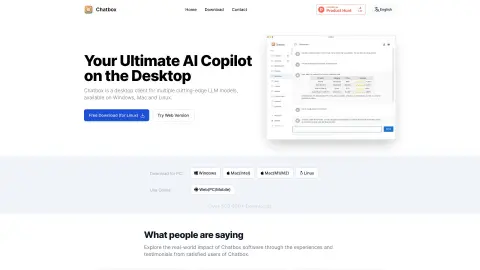
Chatbox AI is an AI client application and intelligent assistant compatible with multiple advanced AI models and APIs. It supports multiple platforms including Windows, MacOS, Android, iOS, Web and Linux. Chatbox AI allows users to converse with documents and images, generate and preview code, perform real-time web searches, and create AI-generated charts and images. It prioritizes data privacy and security by storing data locally.
How to use Chatbox AI?
Download and install the Chatbox AI app for your operating system (Windows, Mac, Linux, Android, iOS). Launch the app and interact with the AI model by entering queries or uploading documents and images. You can also use it through your browser.
Chatbox AI Core Features
AI chat interface
Document and image chat
Code generation and preview
Real-time web search
AI generated charts
AI-driven image creation
LaTeX and Markdown rendering
local data storage
Document and image chat
Code generation and preview
Real-time web search
AI generated charts
AI-driven image creation
LaTeX and Markdown rendering
local data storage
Related
ALIagents.ai
A decentralized application designed for creating, customizing, and monetizing intelligent agents using blockchain technology.
SnowX.ai
An AI-powered whiteboard for contracts, brainstorming, and form design.
Continual
An operational AI platform used for building and deploying AI agents to automate business workflows.
Doable
Integrate AI operators into SaaS applications to enable control via natural language commands.
lifedata.ai
LIFEDATA: WhatsApp data infrastructure for AI, revenue recovery and omnichannel solutions.
theGist
Artificial intelligence platforms empower revenue teams by automating insights generation and workflows.