AI TOOL / #02334
MacCopilot
A native macOS auxiliary application designed for use on screens where interactions with AI technologies take place.
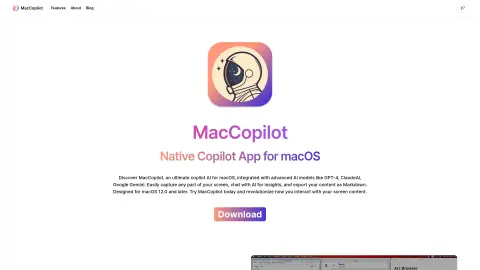
Introduction
Native macOS copilot app for screen interaction with AI.
What is MacCopilot?
MacCopilot is a native macOS utility that can intelligently interact with the content on your screen. It integrates AI models such as GPT-4o or Gemini, allowing it to capture screenshots effortlessly and seamlessly connect with various AI platforms, thereby enhancing both productivity and creativity.
How to use MacCopilot?
To use MacCopilot, first activate your license by going to Preferences > General. Then, add the AI model by selecting Preferences > Models > Add Model. Use the menu options “Capture” or “Capture previous area” to capture the screen content. Press the ESC key to exit the selection process.
The core functions of MacCopilot
AI-driven interaction: Communicating with AI models regarding the content displayed on the screen.
Flexible screenshot capture: You can select and capture any part of the screen.
Seamless multi-platform support: Allows connection to multiple AI models, including OpenAI, Google, Anthropic, and Ollama.
Flexible screenshot capture: You can select and capture any part of the screen.
Seamless multi-platform support: Allows connection to multiple AI models, including OpenAI, Google, Anthropic, and Ollama.
Related
AnythingLLM
full-stack application
Collov AI
Interior Home Design Tools
Opus
Opus is a 3D creation platform that turns text into video.
RunPod
Global distributed GPU cloud computing service provider
Digital First AI
An AI-driven marketing workflow platform that focuses on strategy development, content creation, and asset production.
ThinkDiffusion
A cloud platform for open-source generative AI art and video tools.