AI TOOL / #02294
RiKiAI
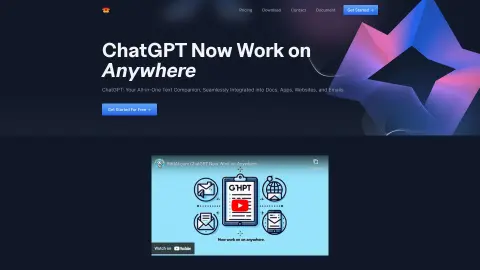
Riki AI integrates ChatGPT into applications and web pages, enabling easy text manipulation.
Introduction
Riki AI integrates ChatGPT across apps and webpages for easy text manipulation.
What is Riki AI?
Riki AI is an AI assistant that integrates ChatGPT into your workflow, supporting a wide range of applications and websites. It enables users to easily write, edit, rewrite, summarize, translate, or respond to text simply by clicking – eliminating the need for tedious copying and pasting. Compatible with various apps, documents, and websites, it provides AI assistance wherever you enter or select text. Riki AI also offers features such as instant creative inspiration, intelligent programming assistance, and efficient email tools.
How to use Riki AI?
When using Riki AI, simply select the text on any application or webpage and then click to write, improve, rewrite, summarize, translate, explain, or respond to it. Alternatively, you can access the AI assistant by pressing Alt+1, or use shortcut commands by pressing Alt+`.
The core functions of Riki AI
Integrate ChatGPT into applications and web pages.
One-click text manipulation (writing, editing, rewriting, summarizing, translating, responding)
AI-powered assistance for writing, coding, and email management
Quick commands for quick operations
One-click text manipulation (writing, editing, rewriting, summarizing, translating, responding)
AI-powered assistance for writing, coding, and email management
Quick commands for quick operations
Related
AwiFin
Customer follow-up checklist for small companies
ShroomPen
A web-based writing assistant that doesn't upload to the cloud
Floot
Developing applications directly using Claude and ChatGPT.
Leno Bird
AI-generated content for the detail page of cross-border e-commerce product images
LibTV
AI Video Creation Workspace
Teable
AI spreadsheet and business system