AI TOOL / #02089
Tomat
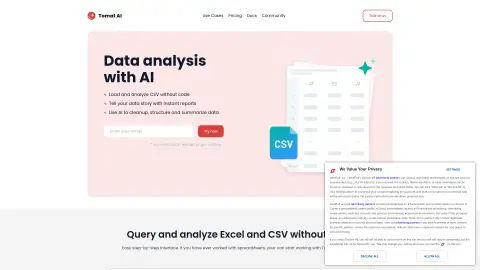
A code-free data analysis platform that utilizes AI to process CSV and Excel files.
Introduction
No-code data analytics platform with AI for CSV and Excel analysis.
What is Tomat.AI?
Tomat.AI is a data analysis platform that requires no coding knowledge. It allows users to analyze CSV and Excel files through a visual, step-by-step interface. With the help of AI agents, it provides functions such as data cleaning, extraction, summarization, and sentiment analysis. Users can quickly generate reports, automate their tasks, and connect to various data sources without writing any code.
How to use Tomat.AI?
Download and install Tomat.ai. Load any CSV or Excel file. Use the intuitive user interface to perform visualizations that involve filtering, sorting, and grouping data. Take advantage of the “AI Columns” or “AI Tables” features to enrich, translate, analyze, or clean your data through natural language commands.
The core features of Tomat.AI
Code-free data analysis
AI-driven data conversion
Visual, step-by-step interface
Automatic data analysis
Data reporting and export
AI-driven data conversion
Visual, step-by-step interface
Automatic data analysis
Data reporting and export
Related
Smart Copy – Copy in Minutes, Not Days
AI writing extension for generating creative copy across multiple platforms.
AiPal
A Chrome extension that integrates AI tools such as ChatGPT, designed to enhance productivity and creativity.
Any Summary
AI-based summarization of text, audio, and video files.
Summary Box
The AI assistant for web pages quickly summarizes articles, blogs, and web content to help improve reading speed.
Blinkist AI
Blinkist AI delivers key insights from web articles, PDFs, podcasts, and YouTube videos.
Abstract Summary
AI-powered tools designed for quickly generating web page summaries and sharing them within communities.