AI TOOL / #10696
CANVID for Windows
Screen recording tool with auto-enhancement to easily create professional videos.
Introduction
Screen recording tool with automatic enhancements for creating professional videos easily.
What is Canvid?
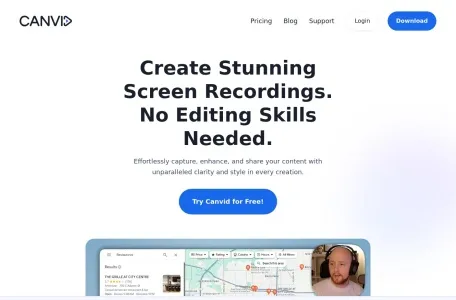
Canvid is a screen recording tool designed to easily capture, enhance and share screen recordings. It offers features like smooth mouse movement, auto-zooming, cinematic motion blur, and background effects, making it ideal for creating high-quality presentations, tutorials, and promotional videos without advanced editing skills.
How to use Canvid?
Capture the screen with just one click, enhance it with auto-zoom and AI background effects, add subtitles, and finally share the finished video instantly via cloud upload or local save.
Canvid’s core features
Auto scaling
AI background effect
Automatic subtitles and transcriptions
Simple screen recording
Share instantly
AI enhanced speech
Creative camera features
Related
text-speech.net
A free online text-to-speech converter that provides natural-sounding results without any restrictions.
PopPop AI Text to Speech
A free online AI text-to-speech generator with realistic voices and customization features.
PowerToys for OpenAI ™
The ChatGPT functionality provided through OpenAI's official API is designed for advanced users.
PowerVoice
PowerVoice is an AI coach that provides feedback to help improve communication skills.
Pitch Patterns
An AI-driven quality control platform designed to analyze and improve sales and customer service calls.
SoundHound
Provide voice AI solutions for various industries, providing conversation intelligence and agent solutions.