AI TOOL / #10058
HitPaw Official
Providers of artificial intelligence solutions for video, audio, and images, including desktop, mobile, and online tools.
Introduction
AI video, audio, and image solutions provider with desktop, mobile, and online tools.
What is HitPaw?
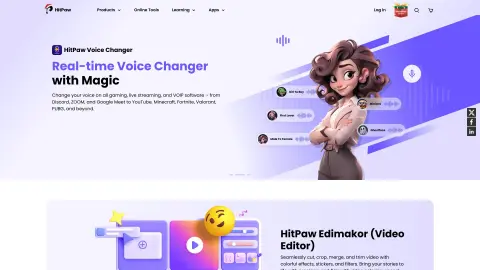
HitPaw offers powerful artificial intelligence-based solutions for video, audio, and image processing. It provides a range of desktop and mobile applications that are designed to enhance videos and photos, convert media files, modify audio content, and remove objects from videos and images. Additionally, HitPaw offers online tools for various media editing tasks.
How to use HitPaw?
Visit the HitPaw official website, select the desired product or online tool, download and install the necessary software, and then follow the instructions on the screen to use the relevant functions. For online tools, simply upload your files and utilize the provided editing options.
The core functions of HitPaw
Artificial intelligence-based video enhancement
Artificial intelligence-based photo enhancement
Video and audio conversion
Change in sound quality
Remove objects from videos and photos.
Artificial intelligence-generated art
Artificial intelligence-based photo enhancement
Video and audio conversion
Change in sound quality
Remove objects from videos and photos.
Artificial intelligence-generated art
Related
Brussle
Calibrate the confidence of AI judgments based on your data.
CodeCrab
A desktop application for AI code review that allows users to examine code directly on their local machines.
Dreamscale Labs
Real-time cloud-based inference using robotic AI models
Agent Craft
Turn employees' voice recordings into social media posts
free flow of thought
An AI-based platform for generating images and videos specifically for the e-commerce industry
ExcaliClaw
An AI-powered collaborative whiteboard that allows direct creation of hand-drawn artwork